

RenderStudio
Studio-grade Unturned renders, made entirely inside the game. Pose, dress and light any character or item, then export a clean, high-res PNG. No Blender, no exporting, no pain.
Pose anything In-game
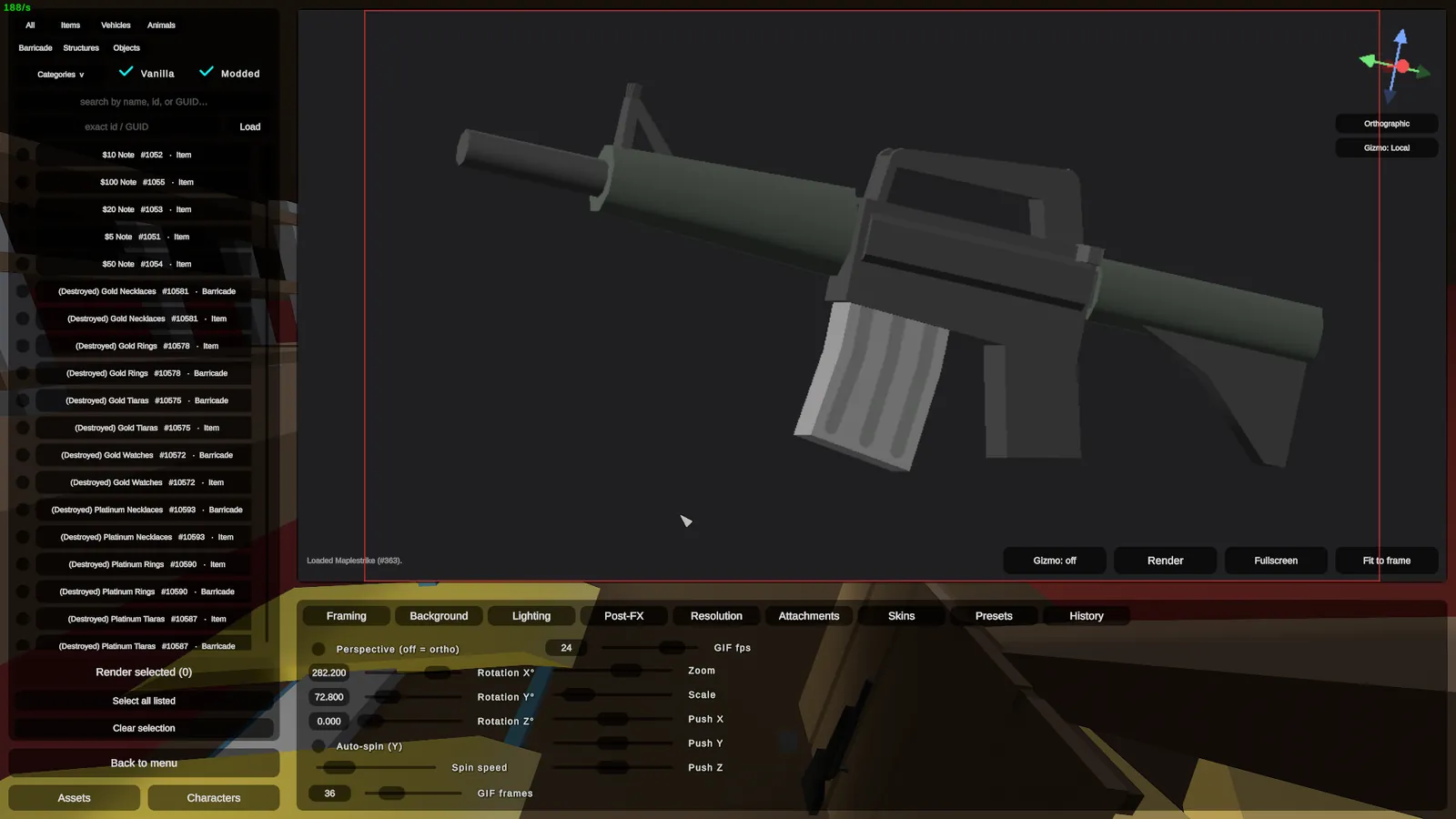
Spawn any weapon, item, vehicle or character, then rotate, aim and frame it with a live gizmo. What you line up is the shot.
Bolt on attachments
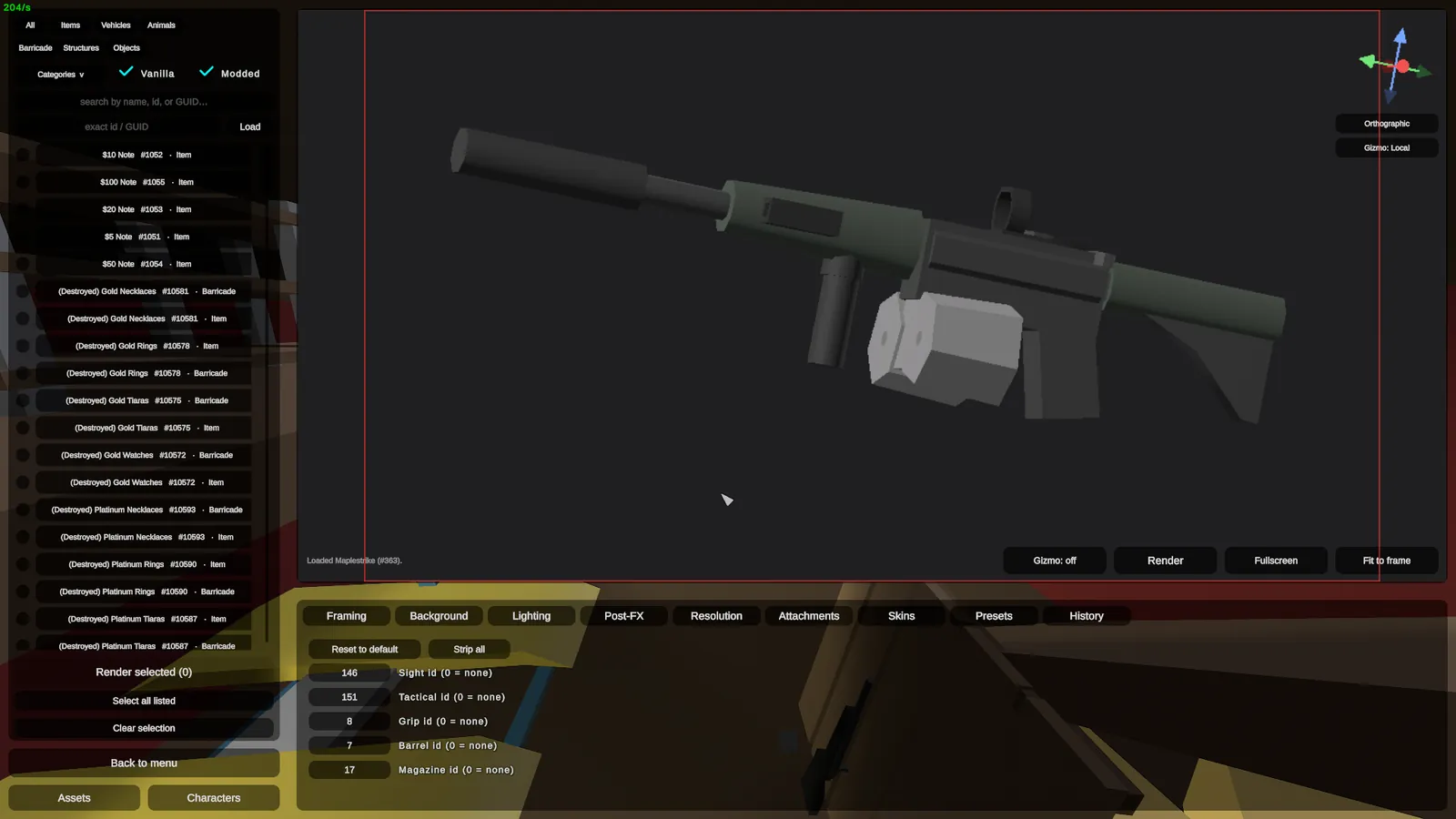
Build the weapon out exactly how you want it. Sights, barrels, grips and magazines all snap on live.
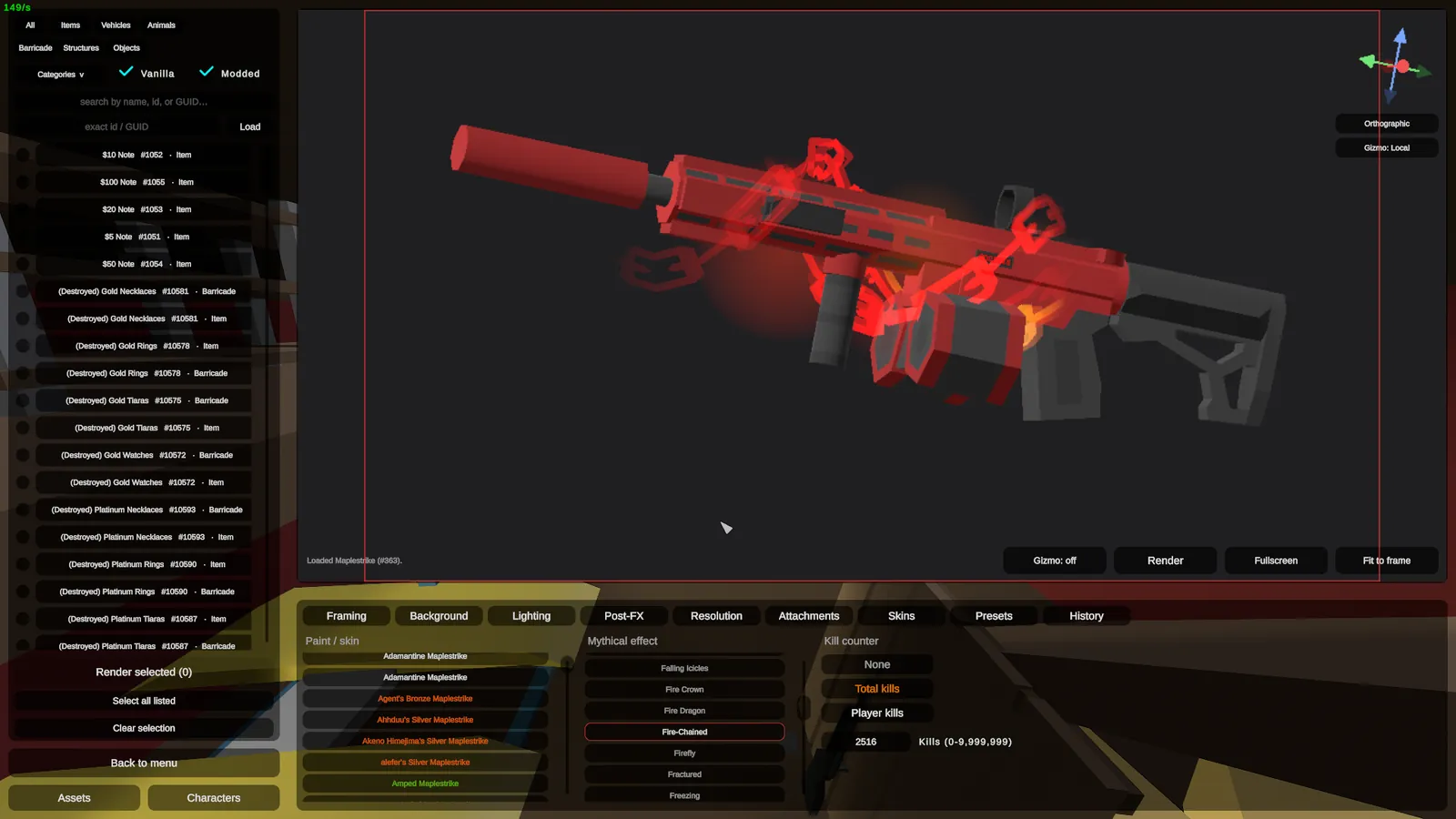
Reskin and Add mythicals
Apply any skin from within the game as well as any mythical.
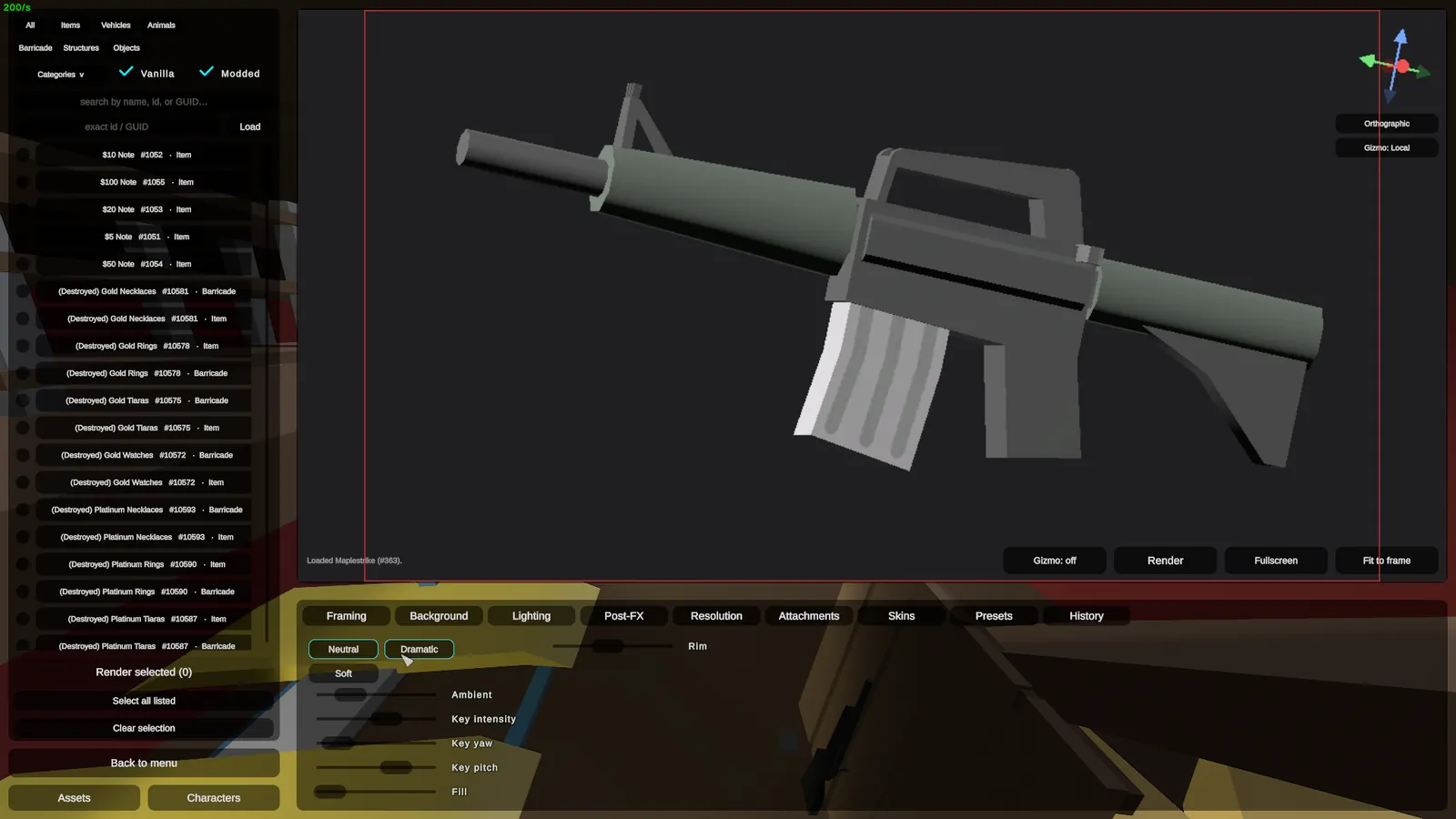
Light it like a studio
Place and aim key, fill and ambient lights until the subject reads like a product shot, not a screenshot.
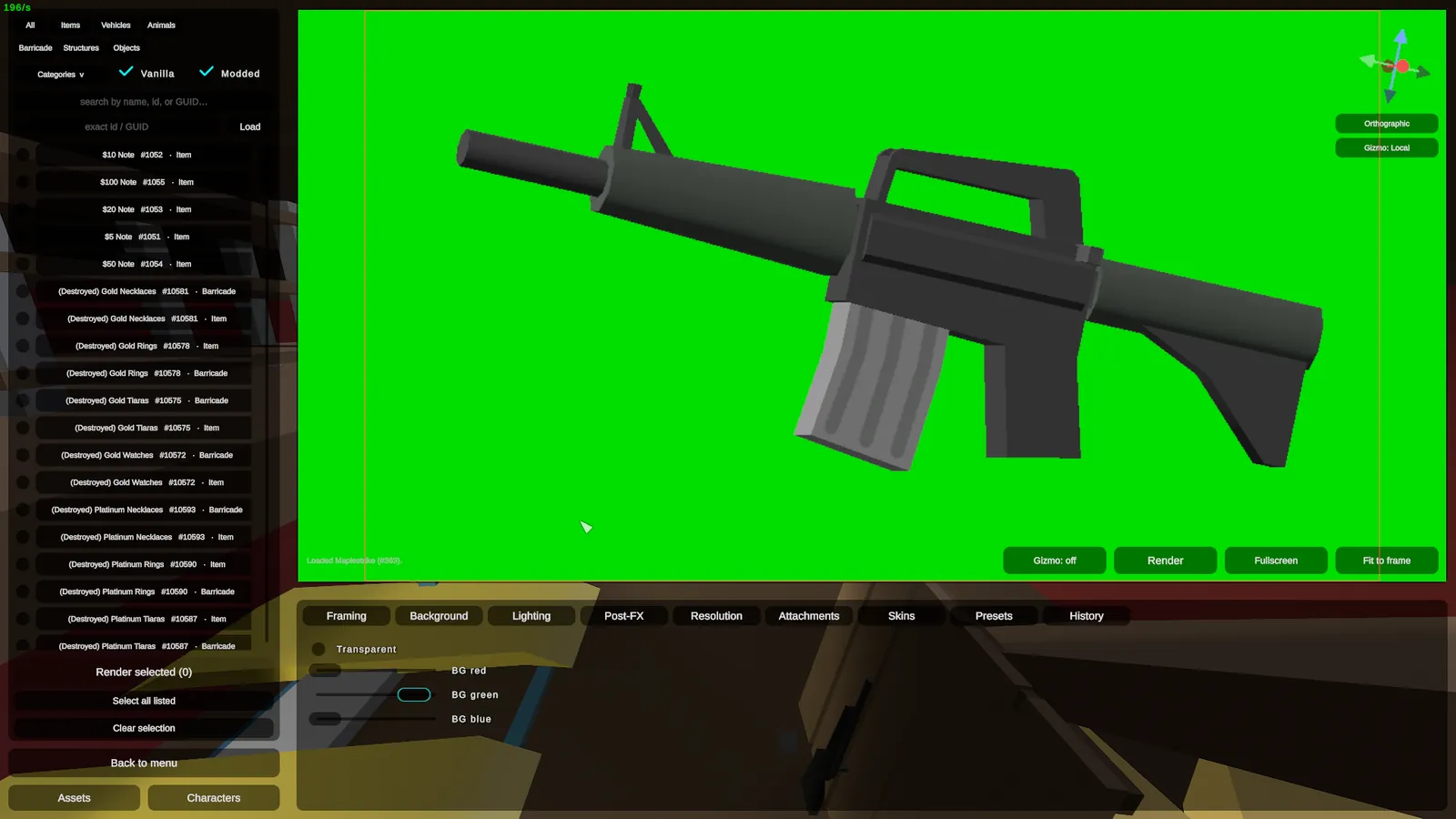
Any backdrop, even green-screen
Set a colour, a scene, or a clean chroma key and pull the subject straight into your own composite.
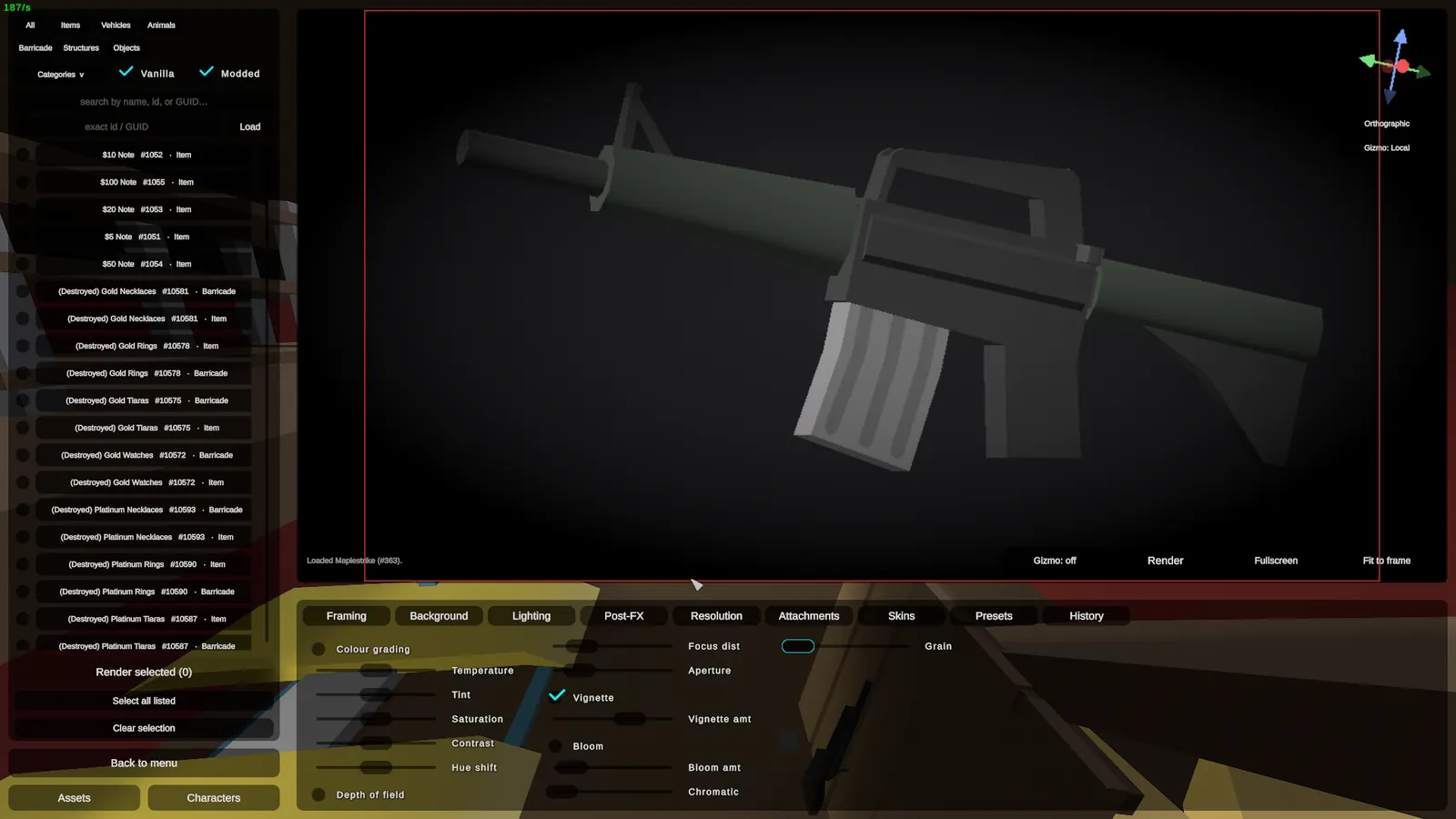
Grade the final frame
Dial in vignette, saturation and colour grade in-engine. The look is baked before you ever hit render.
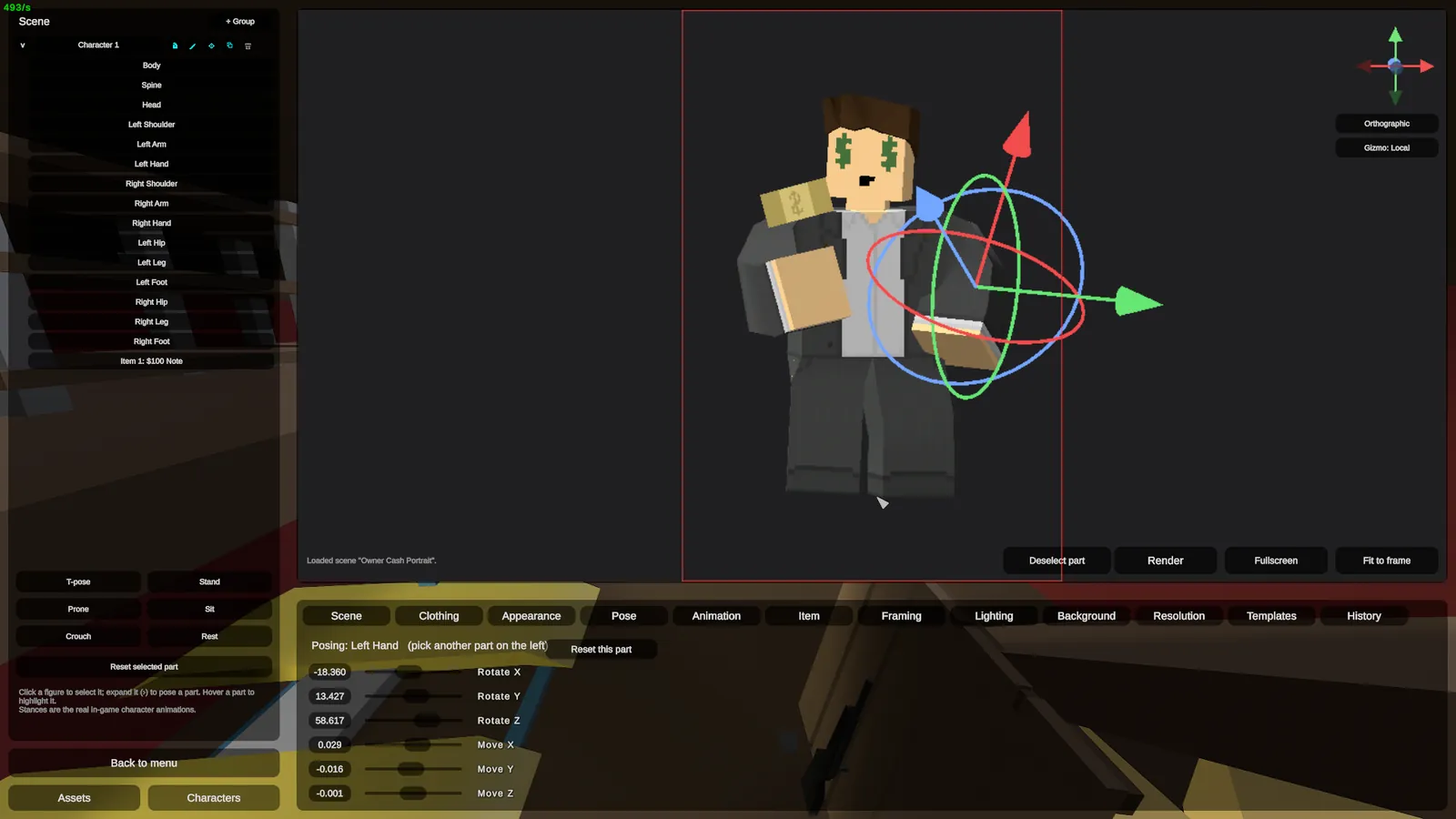
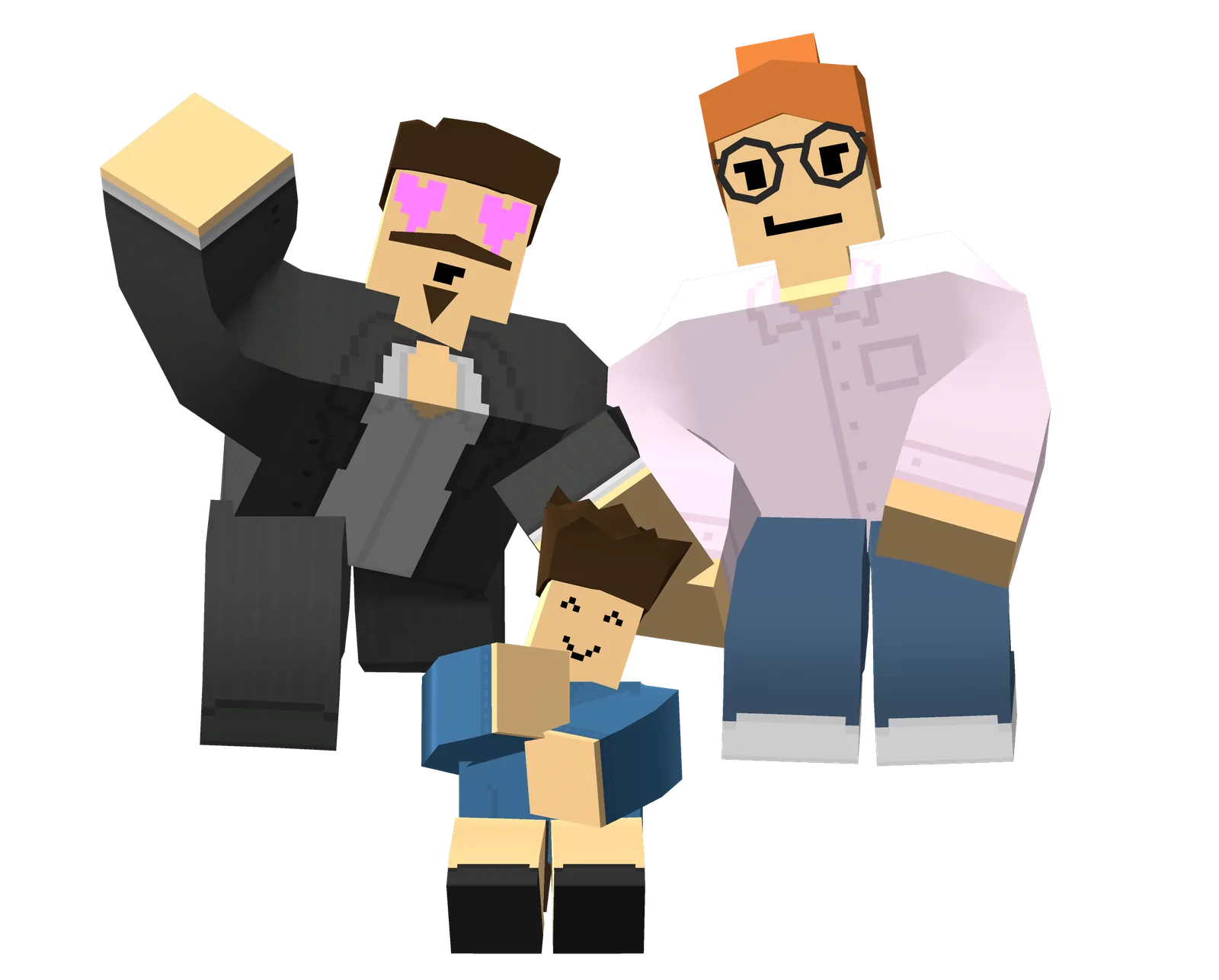
Pose characters limb by limb
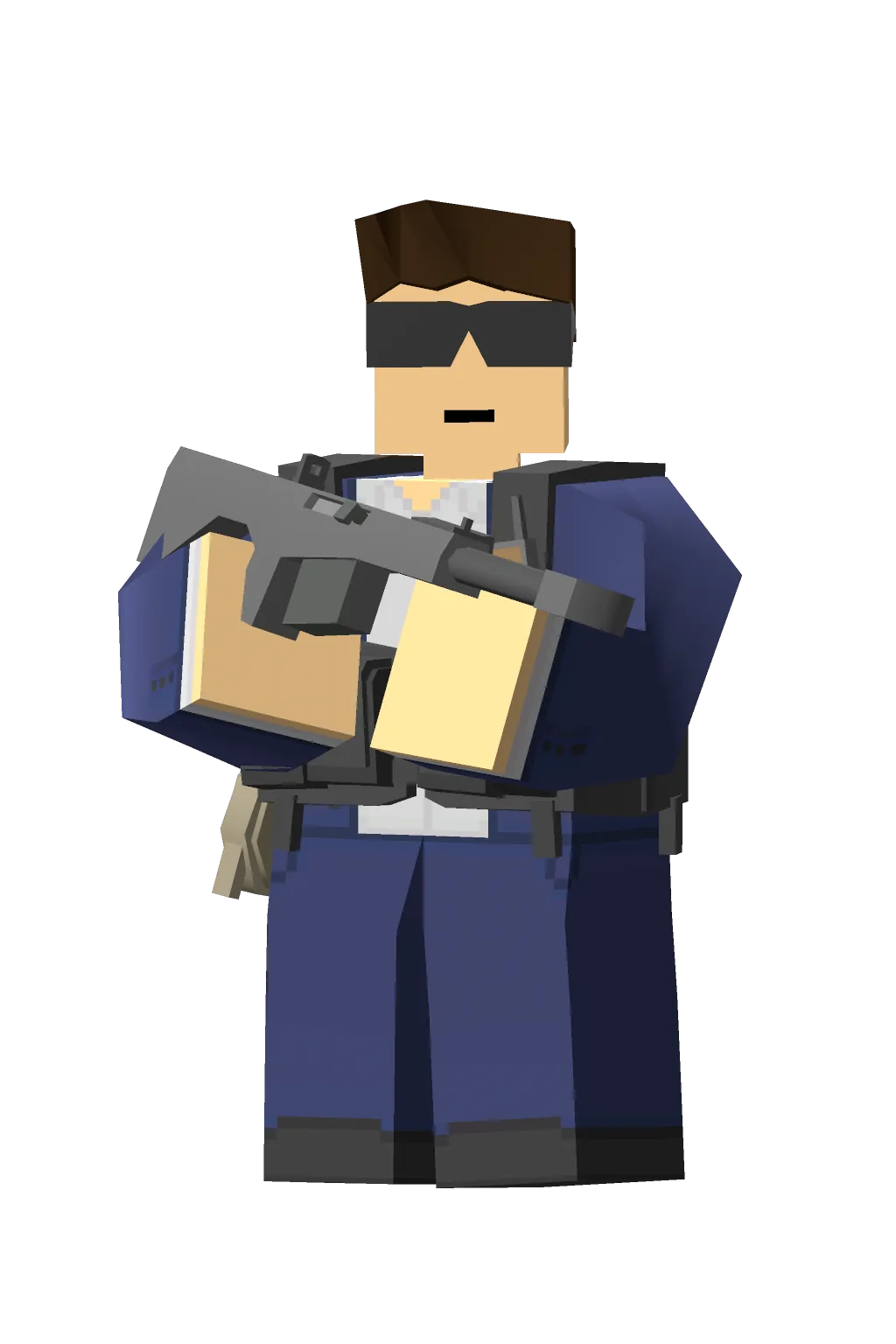
Every joint is yours. Set the hands, head and stance with per-limb gizmos, then dress the model head to toe.
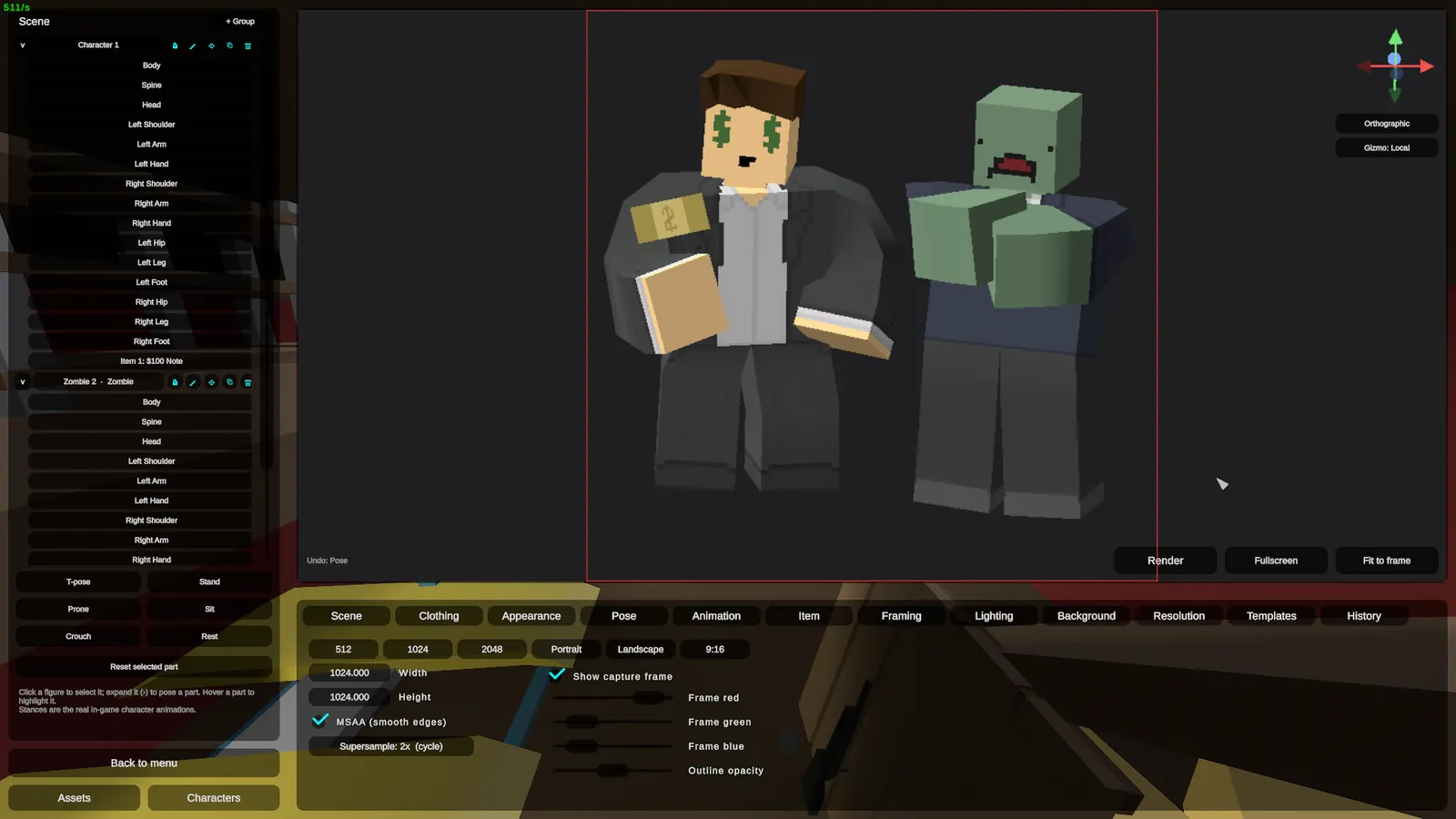
Stage a whole scene
Characters, zombies, animals, vehicles and props share one stage. Build a portrait, not just a cut-out.
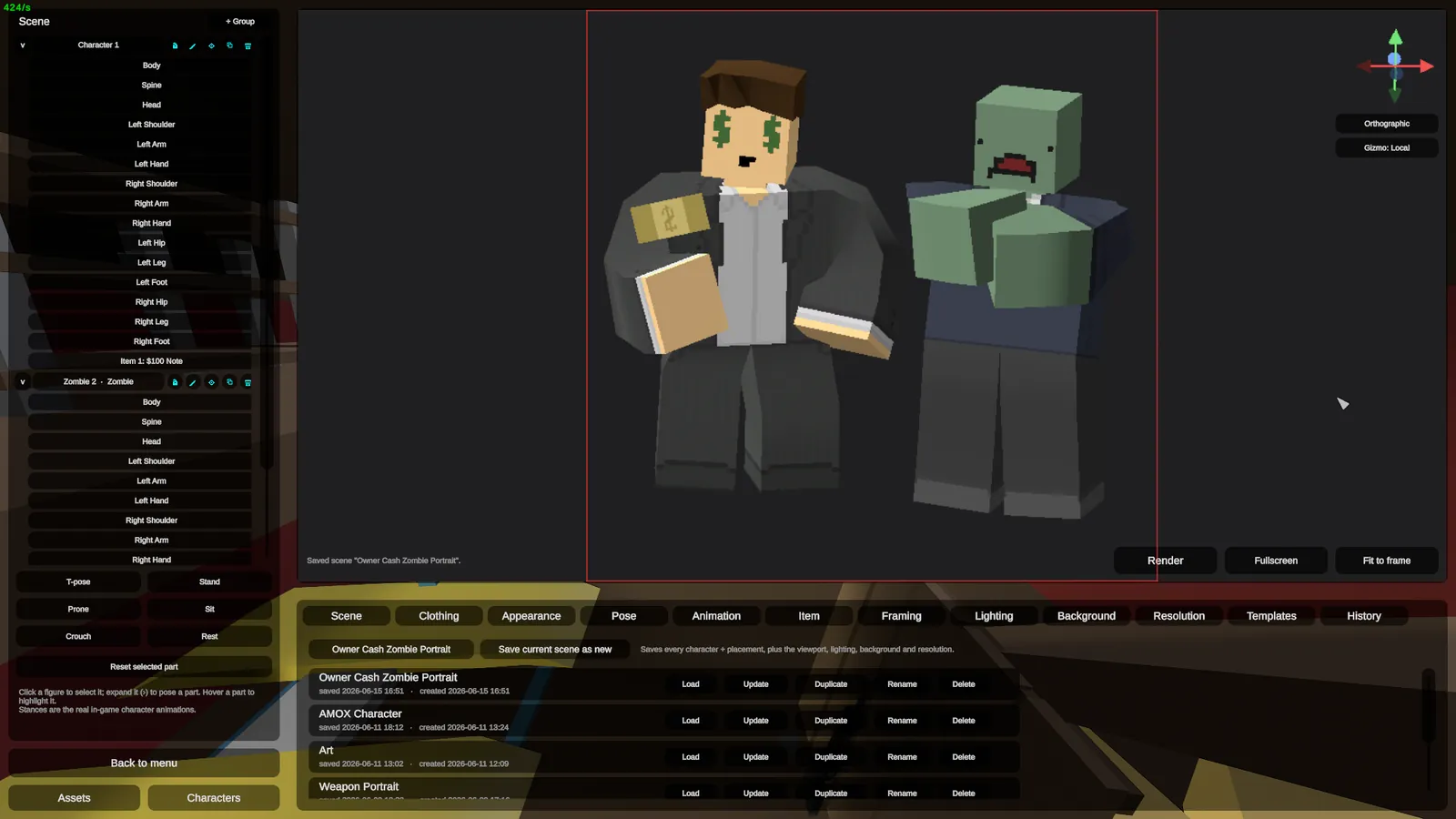
Save it once, reuse it forever
Bank a favourite setup as a preset and recall the whole lighting and pose rig in a click for the next render.
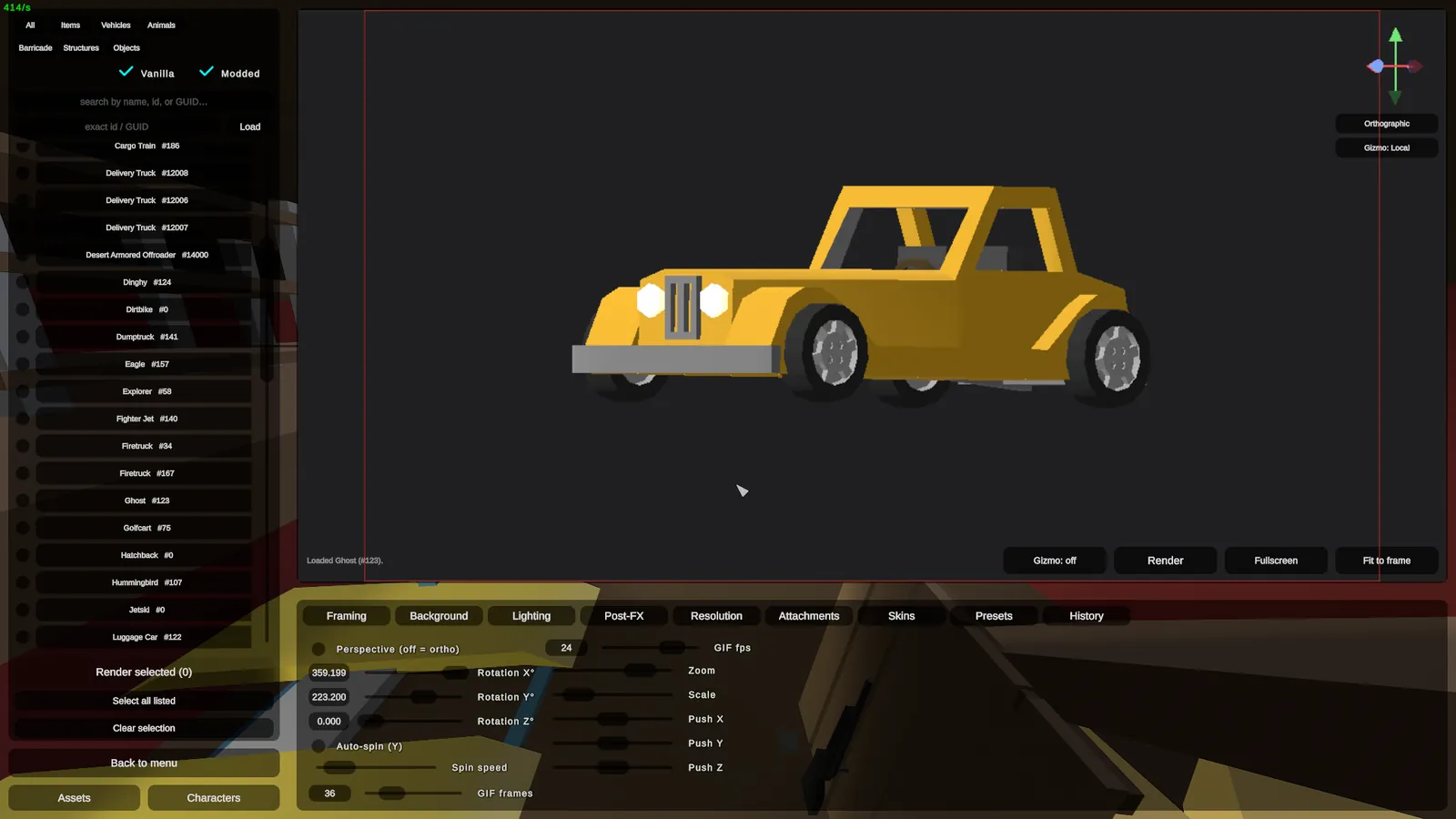
Vehicles
Cars, trucks, planes, boats. Spawn any ride, pose it on its wheels and shoot it clean.
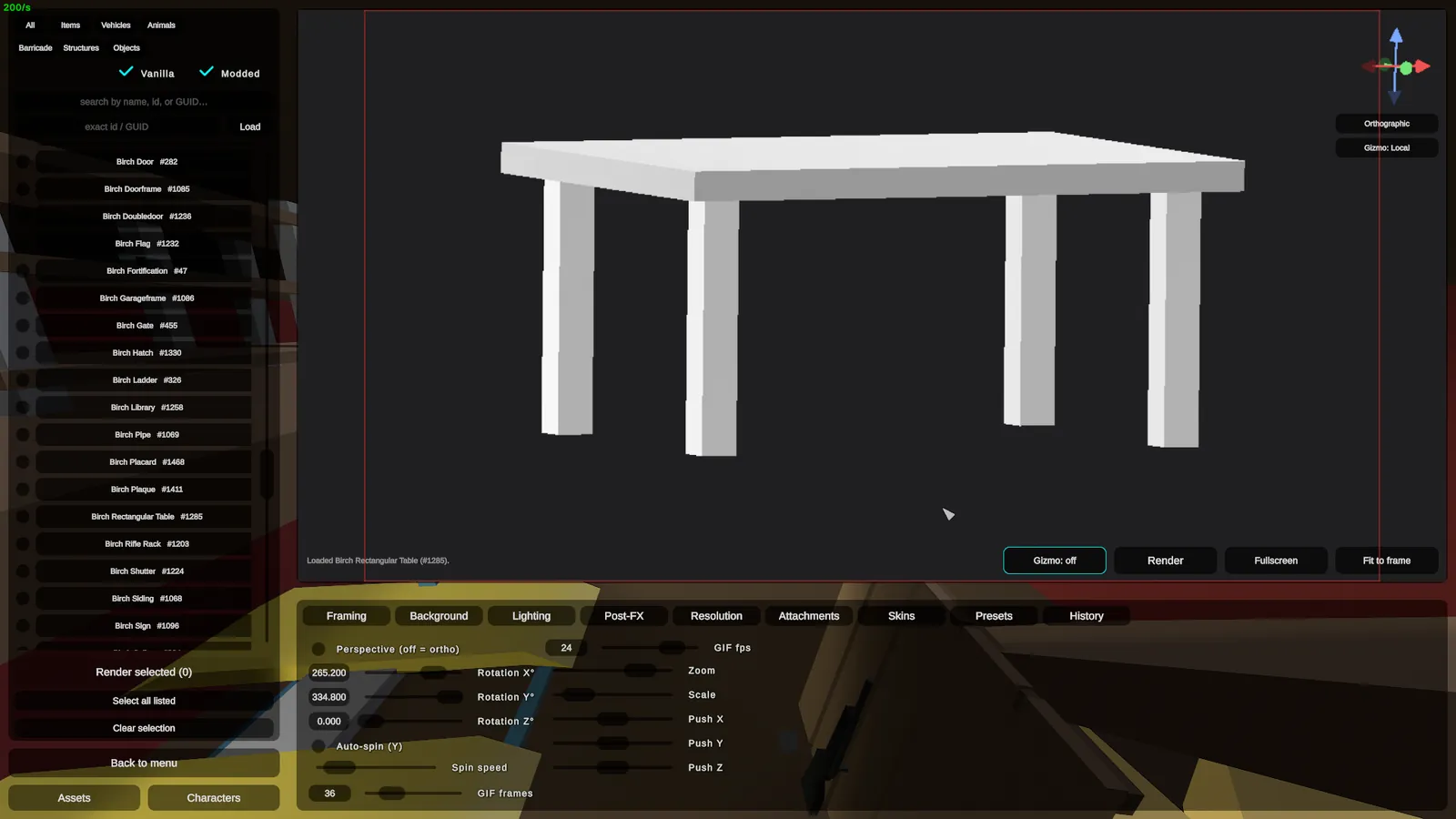
Barricades
Doors, walls, traps, beds, tables. Pull any player-placed buildable out and render it.
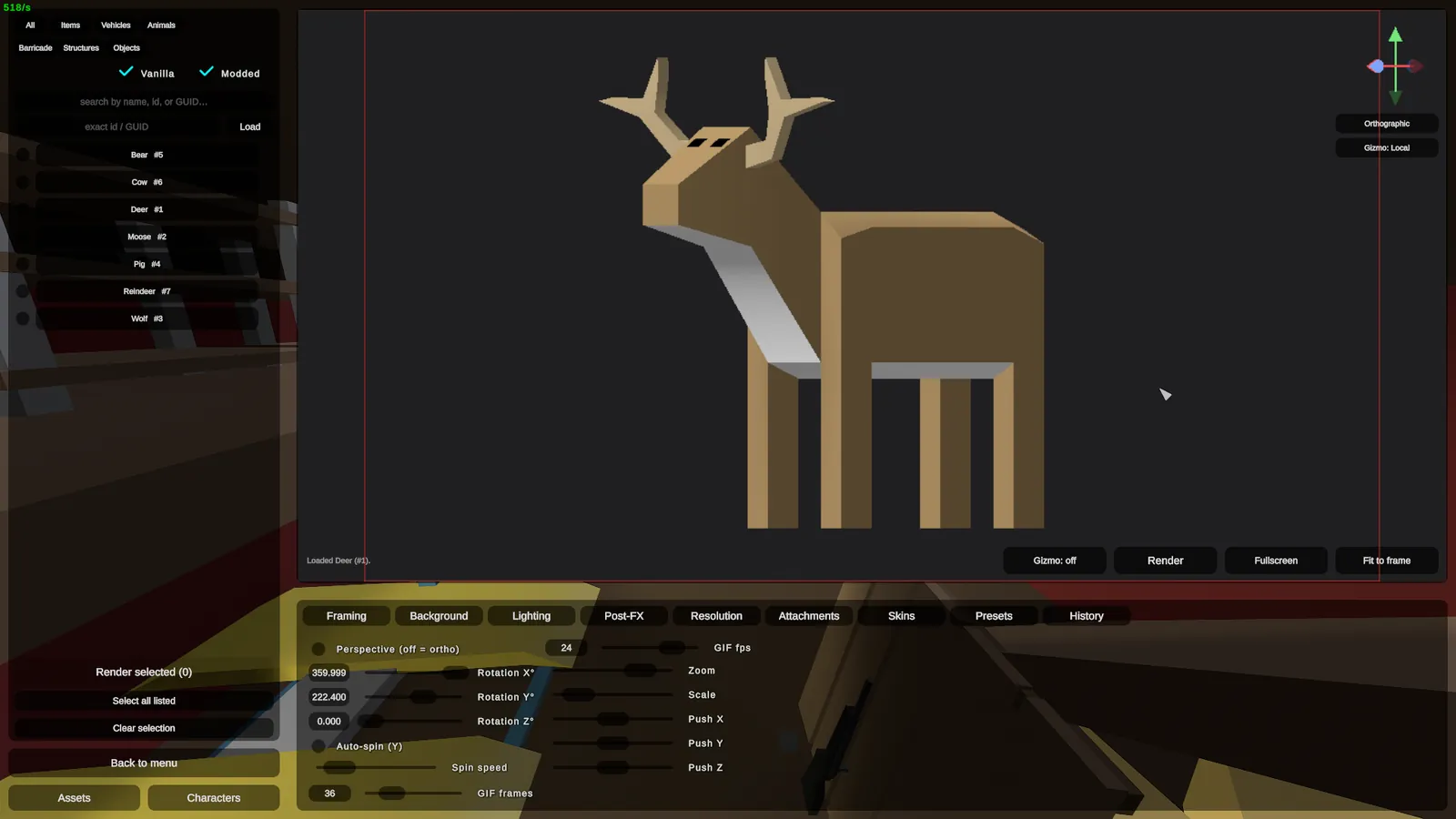
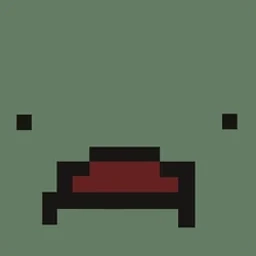
Animals
Deer, wolves, the whole bestiary. Pose any animal and frame it like a nature plate.
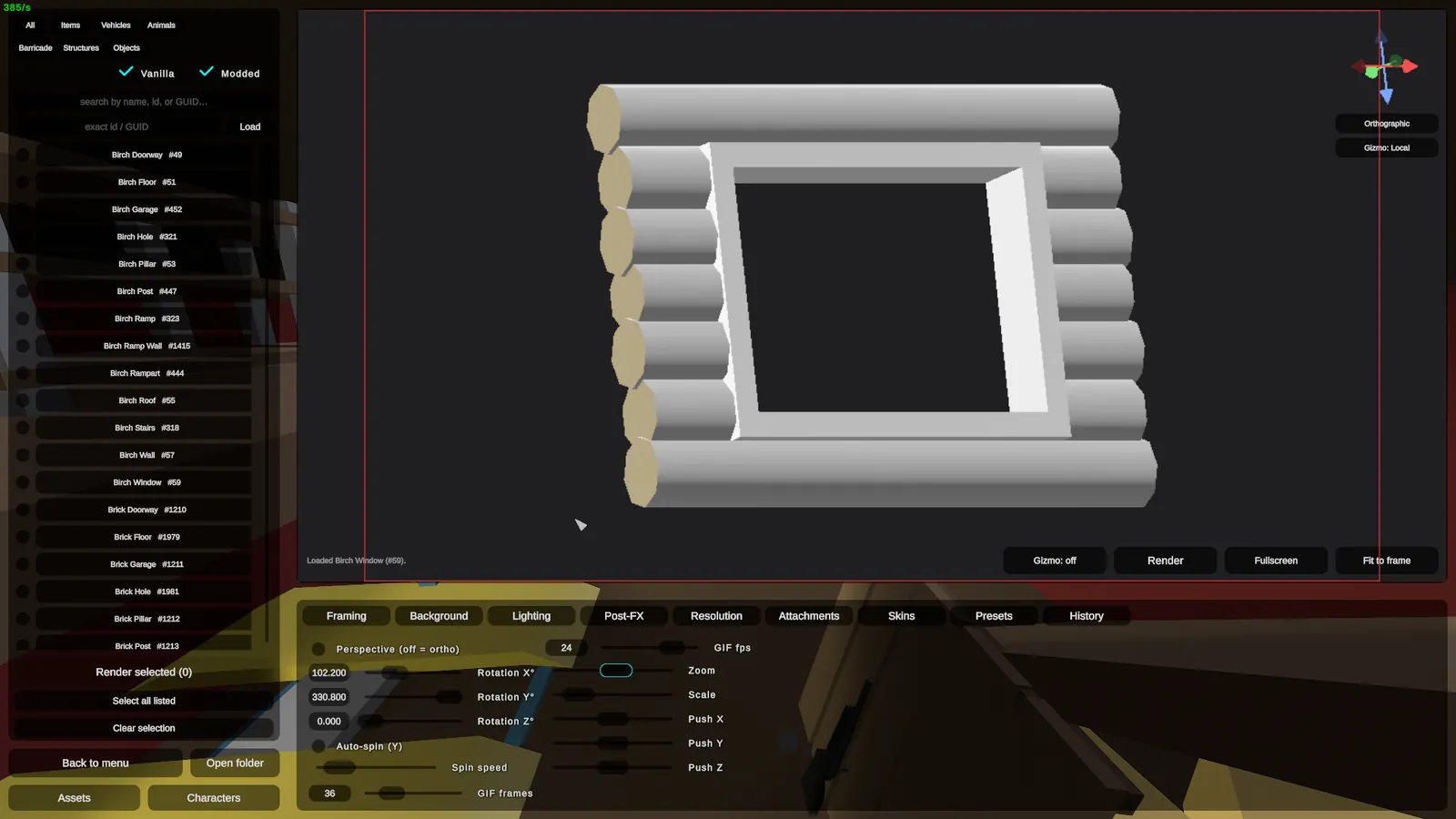
Structures
Floors, walls, pillars, stairs. Render any structure piece from the build menu.
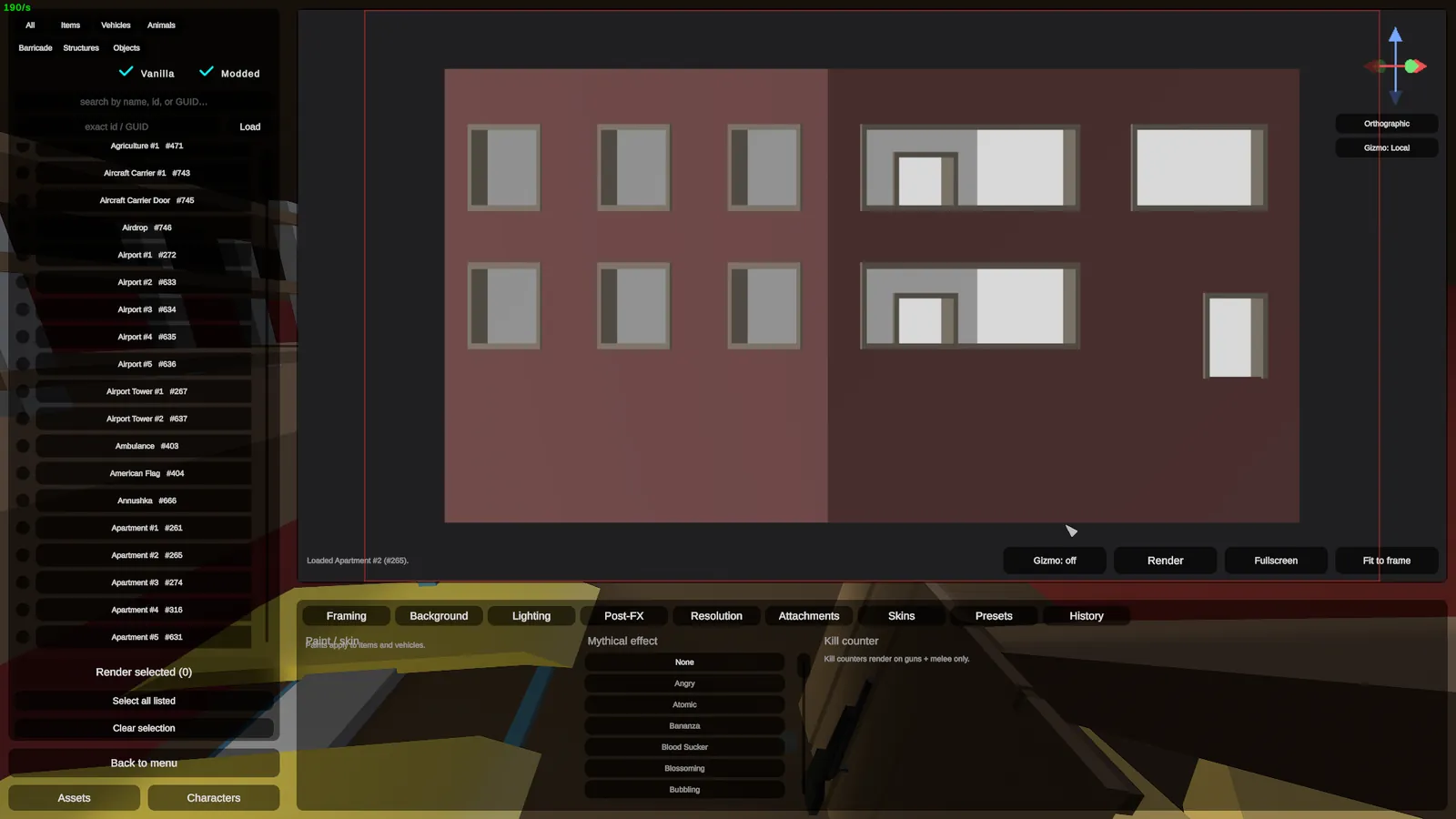
Objects
The large objects level editors place into a map. Pull one out and render it on its own.
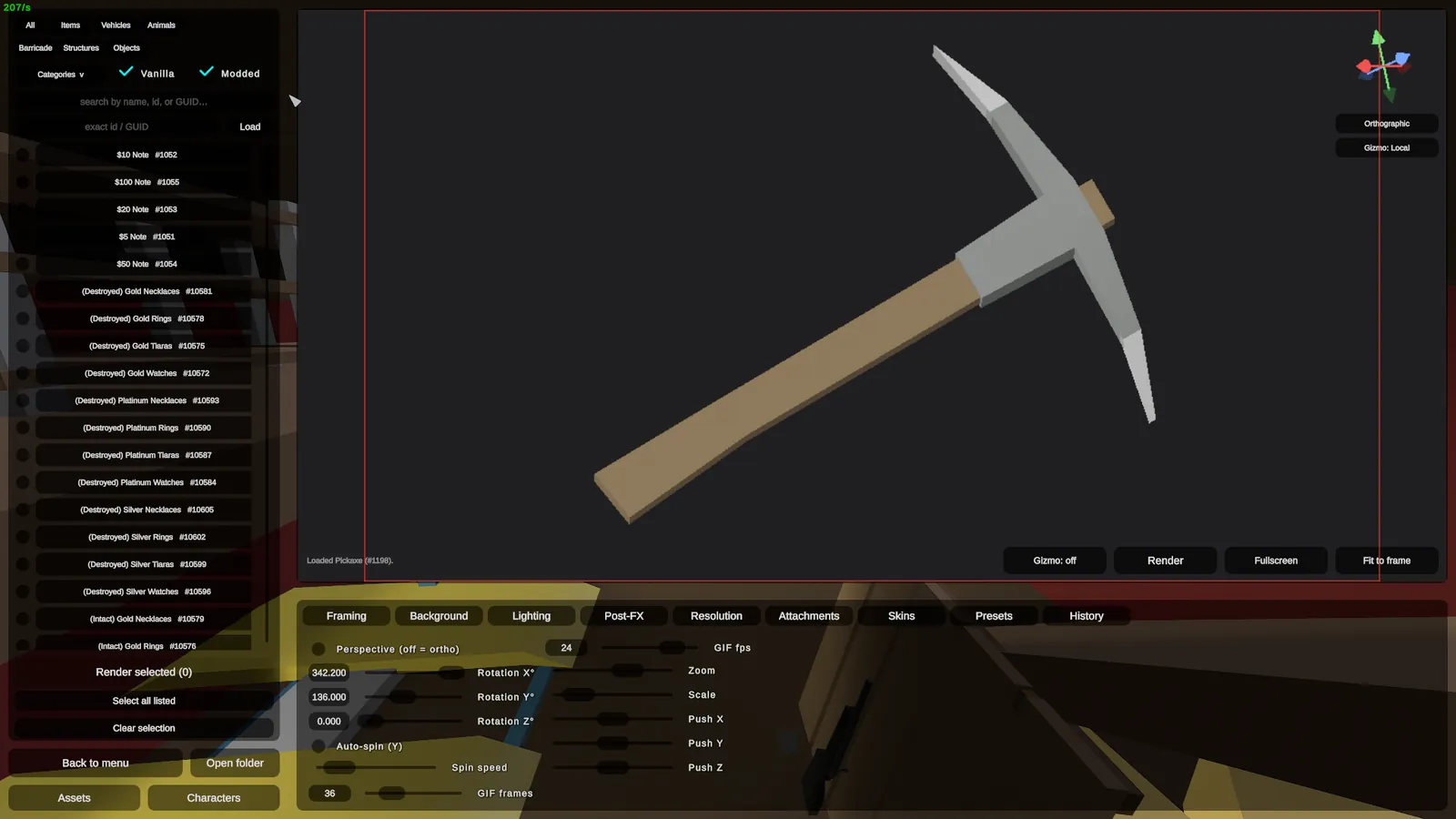
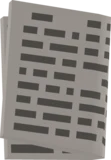
Items
Notes, tools, food, gear. Any inventory item, posed and lit on its own.
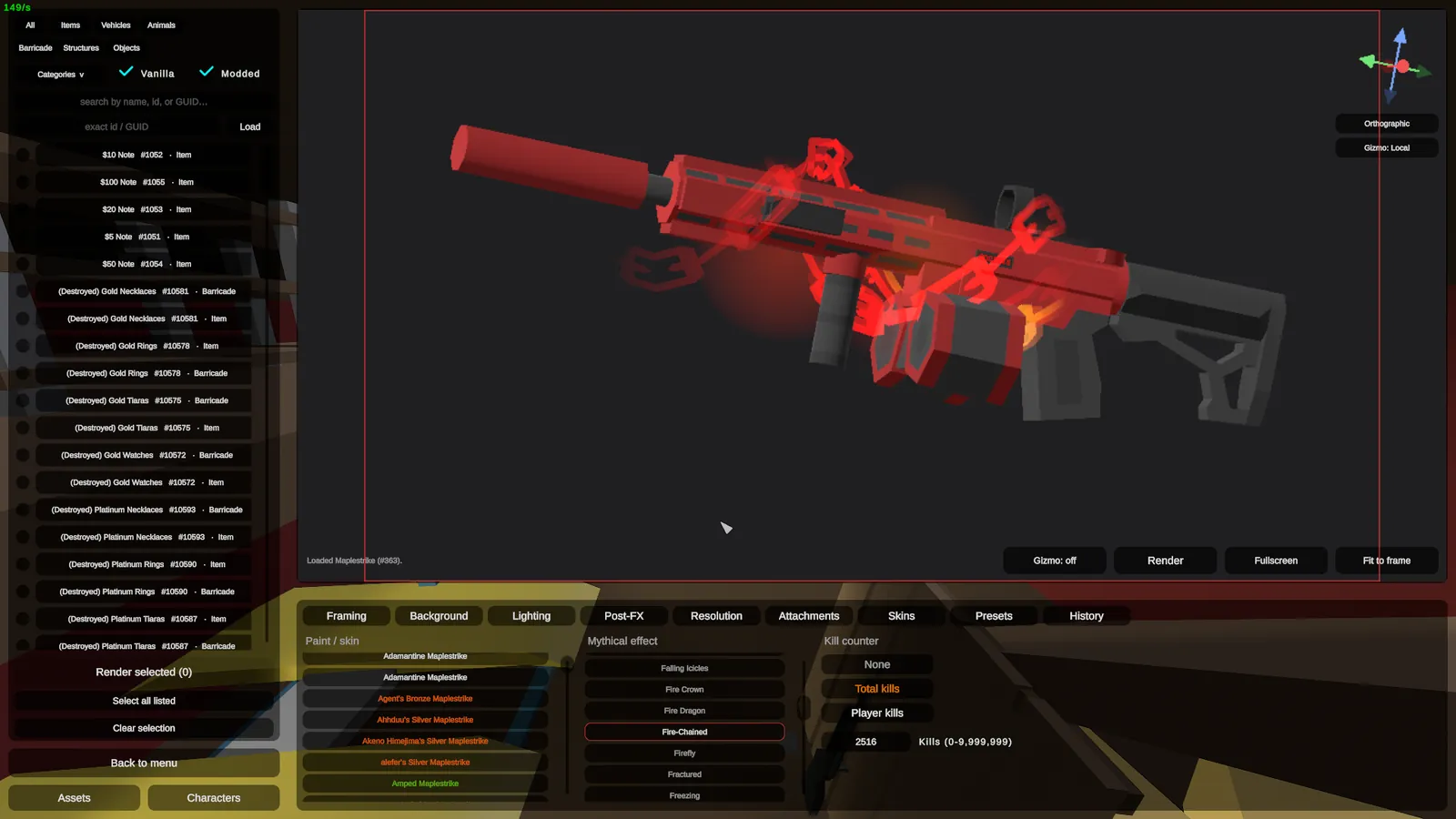
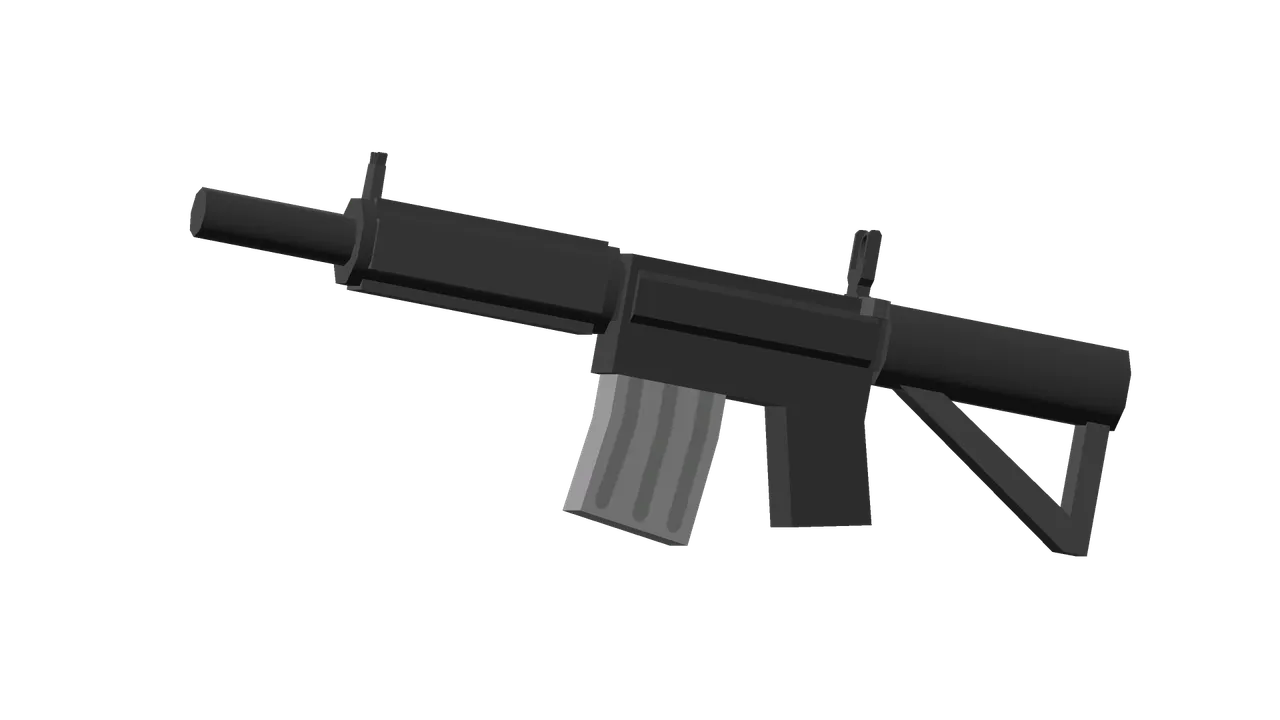
Weapons
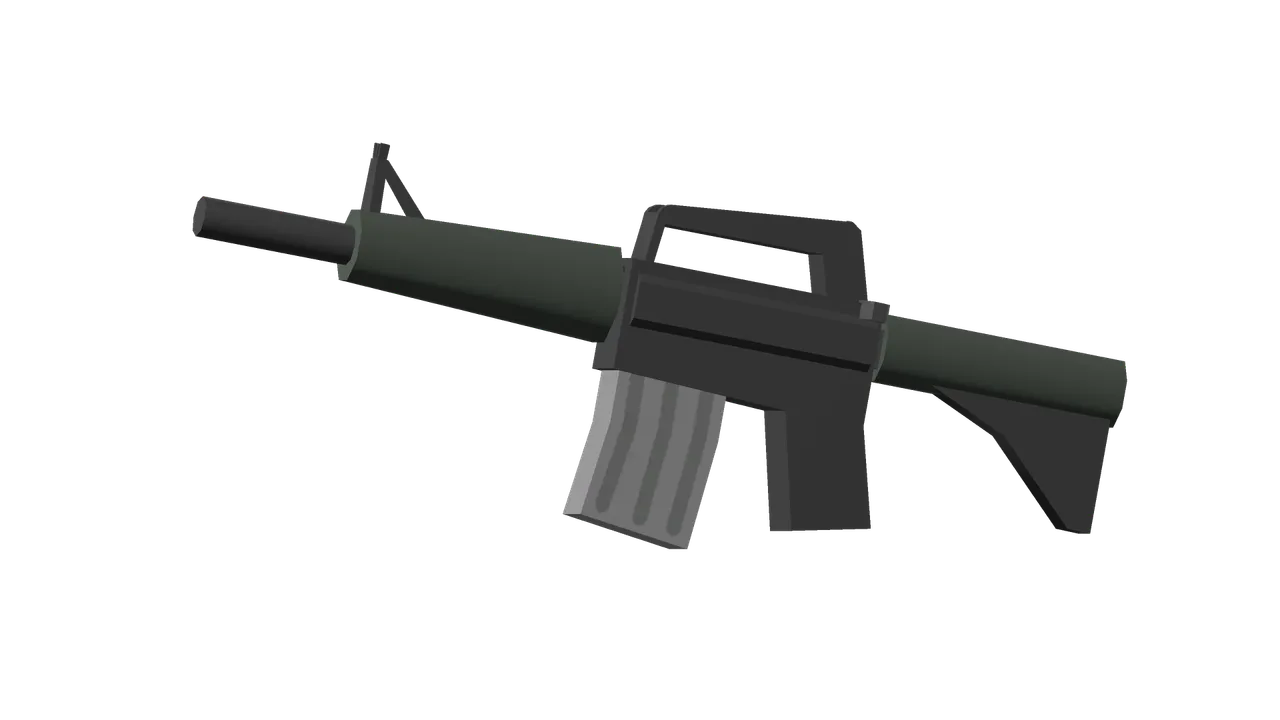
Every gun, melee and attachment. The thing Render Studio was built for in the first place.
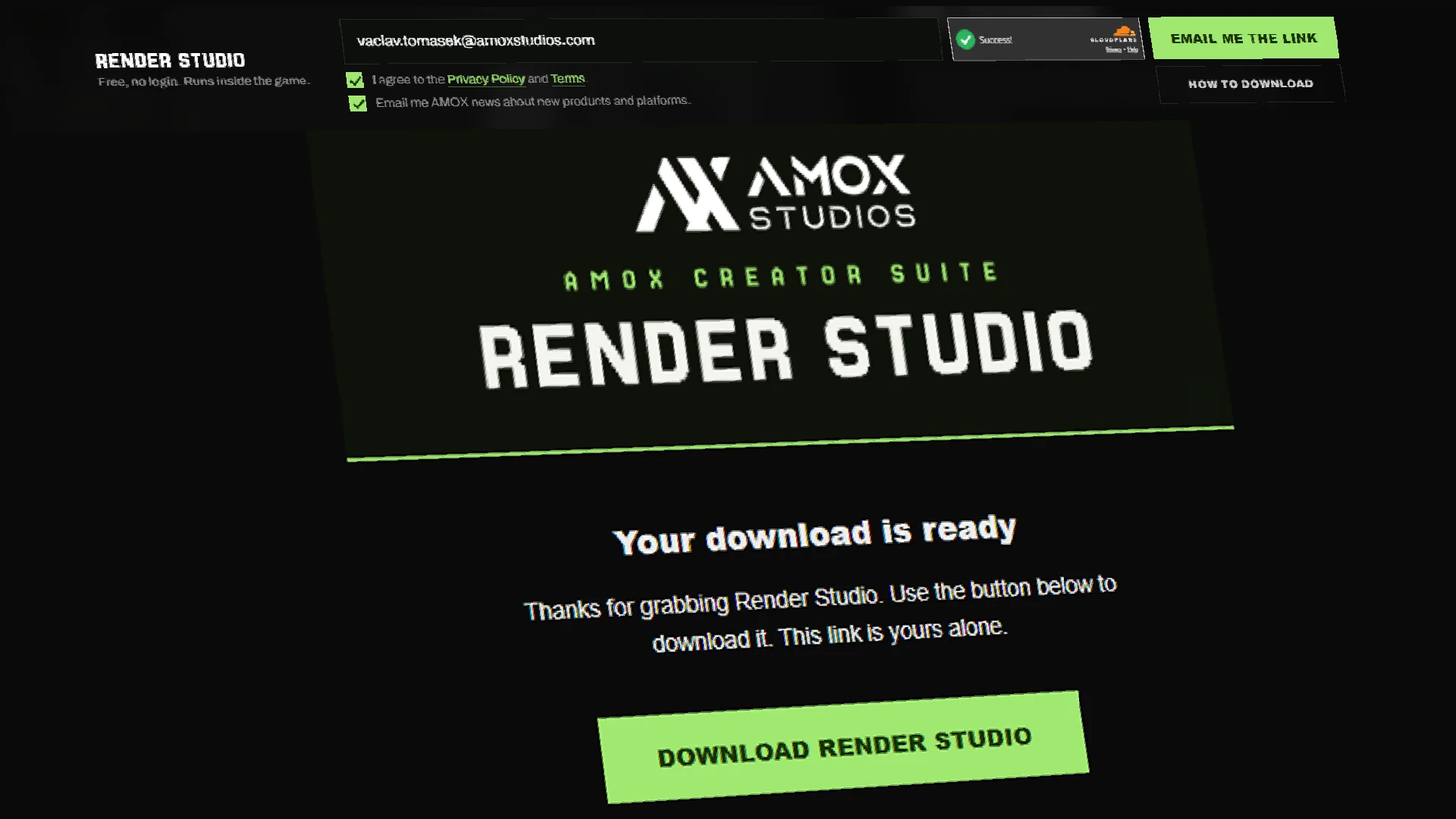
Request and download
Enter your email in the bar below to get a one-time link. Open it and hit Download Render Studio to save the zip.
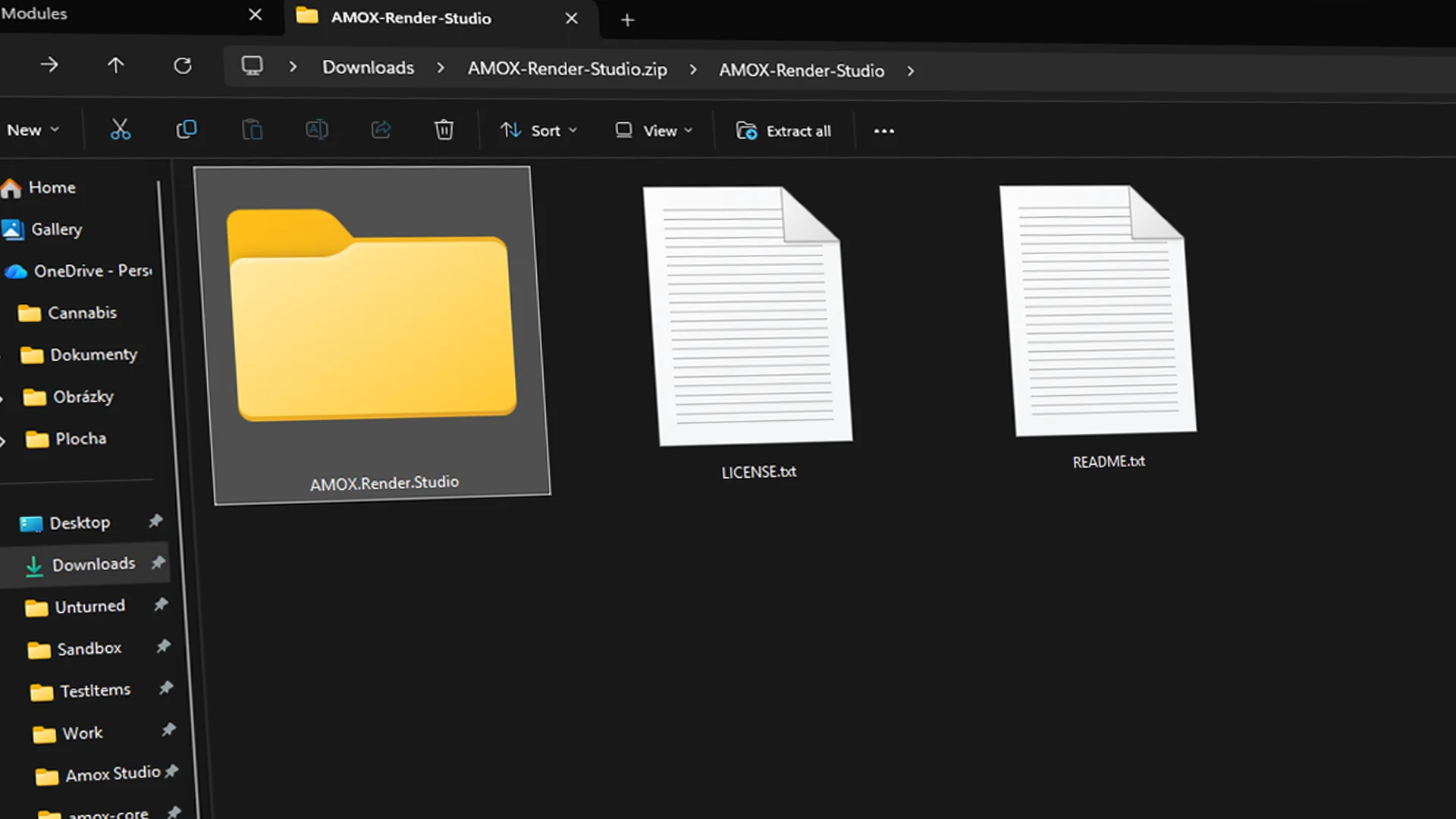
Copy the module
Open the zip and copy the AMOX.Render.Studio folder inside. The LICENSE and README can stay behind.
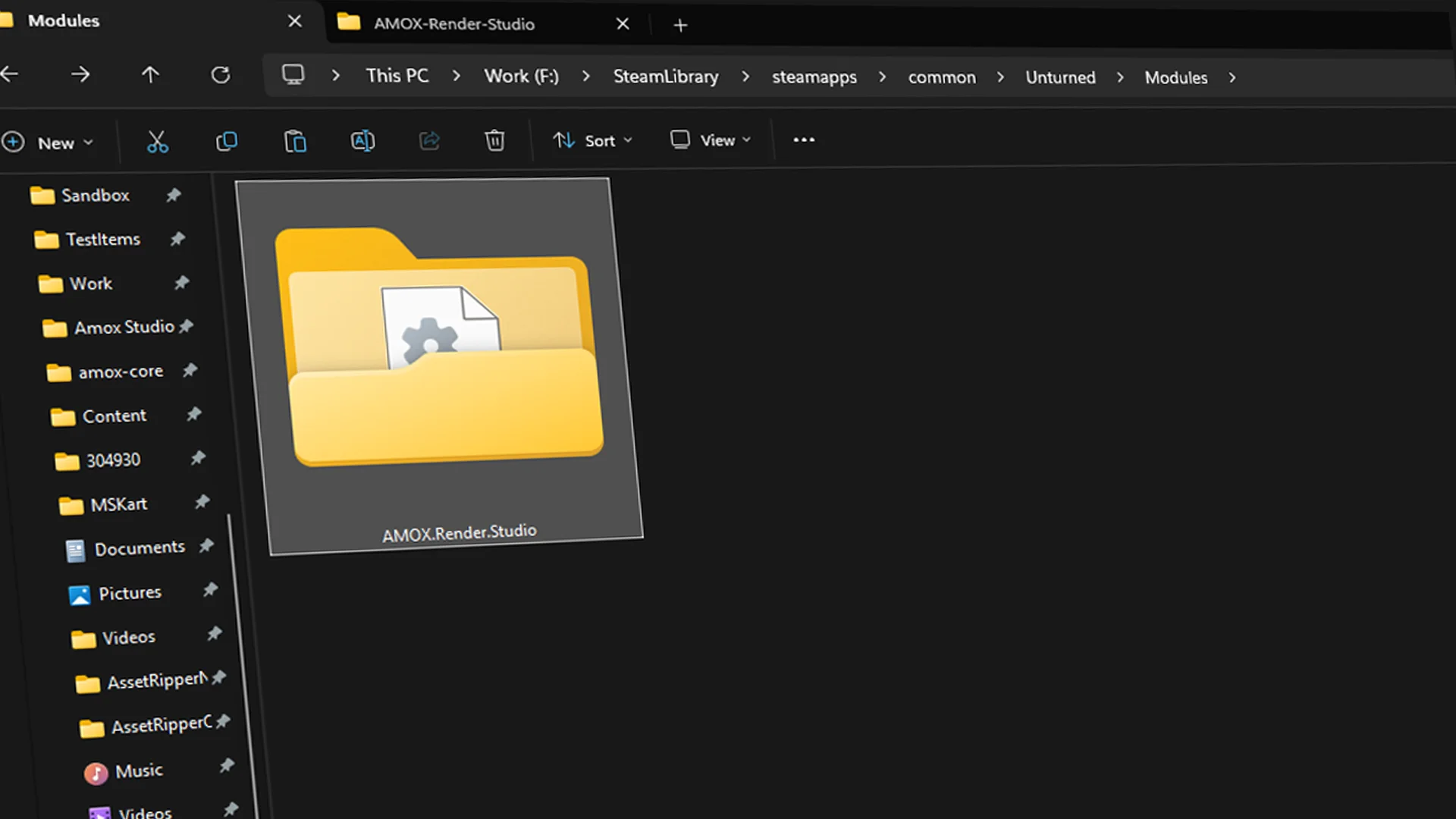
Paste it in Modules
Drop the folder into the Unturned Modules folder, usually steamapps/common/Unturned/Modules.
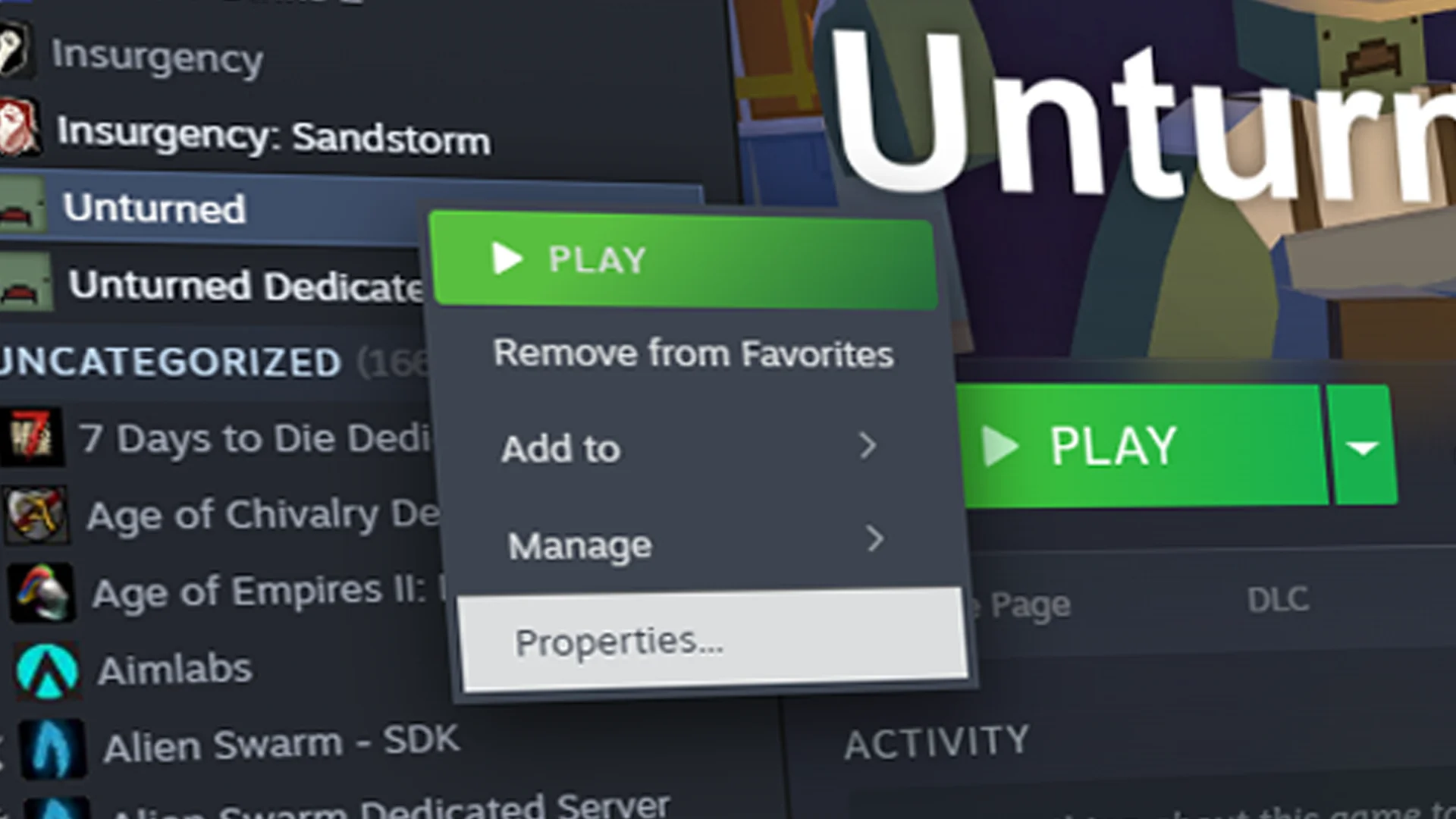
Open Steam properties
In your Steam library, right-click Unturned and click Properties.
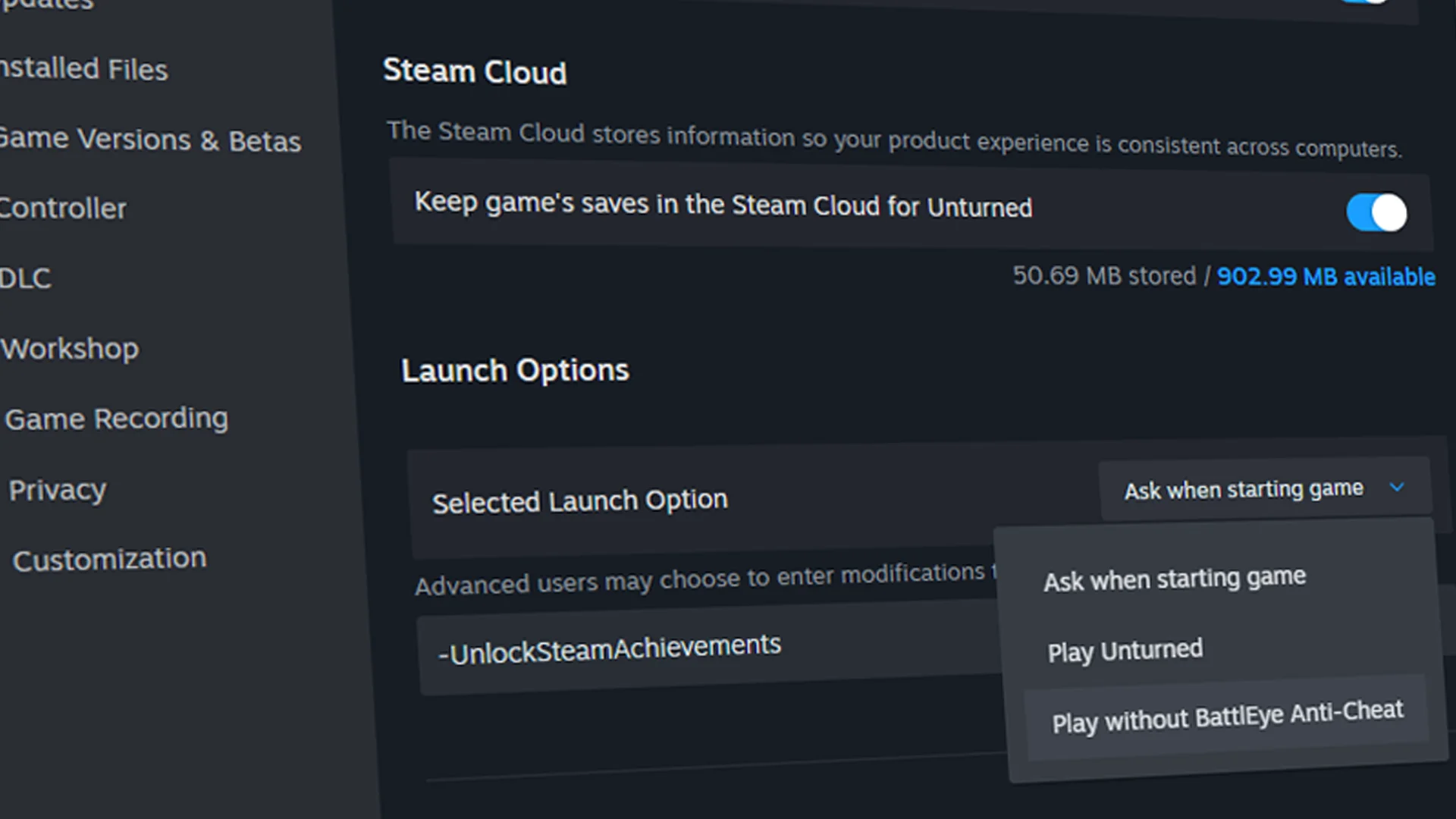
Disable BattlEye
Under Launch Options, set the Selected Launch Option to Play without BattlEye Anti-Cheat so the module can load.
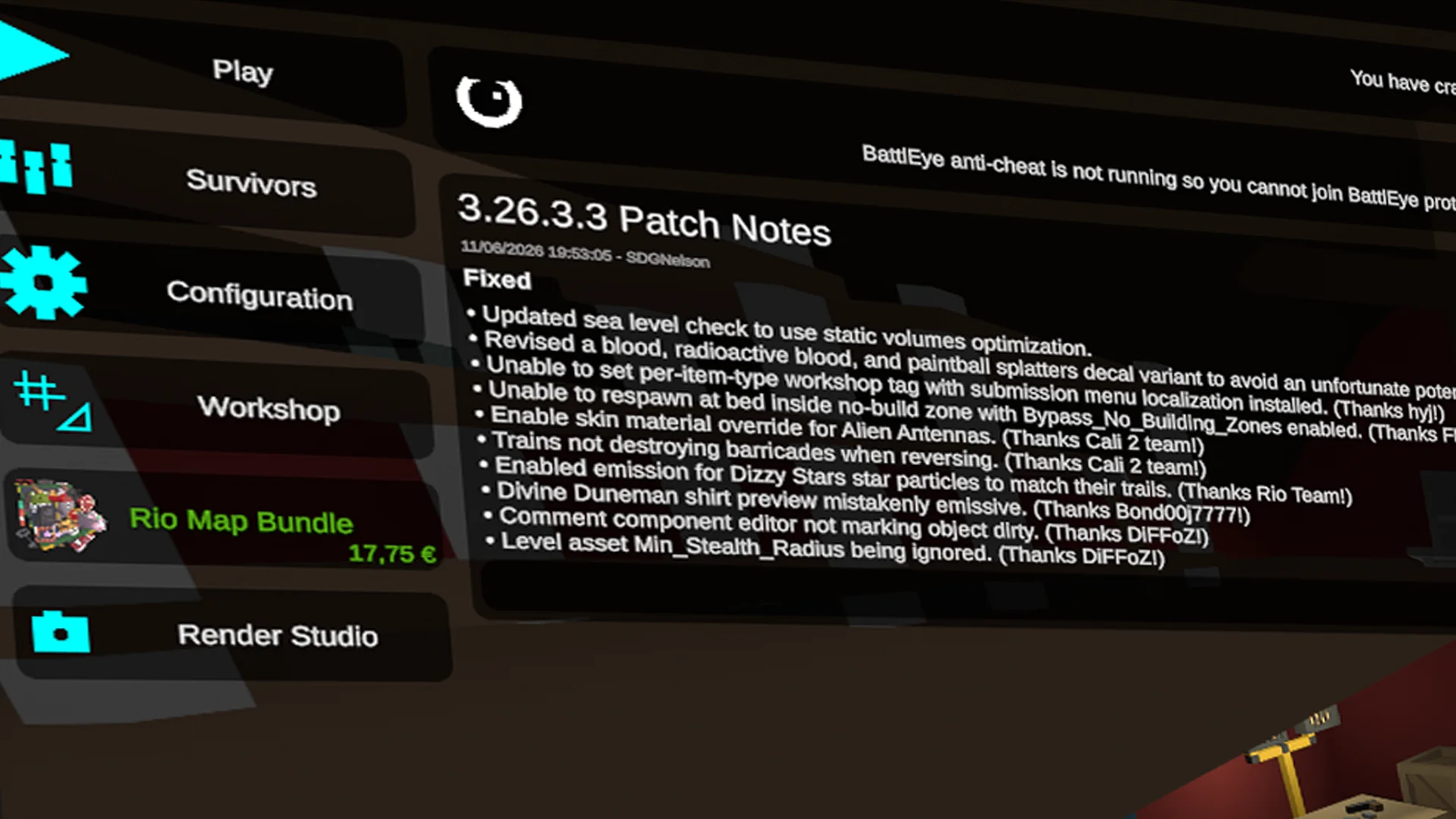
Open it in Unturned
Launch Unturned and Render Studio appears in the main menu. Click it to open the editor.
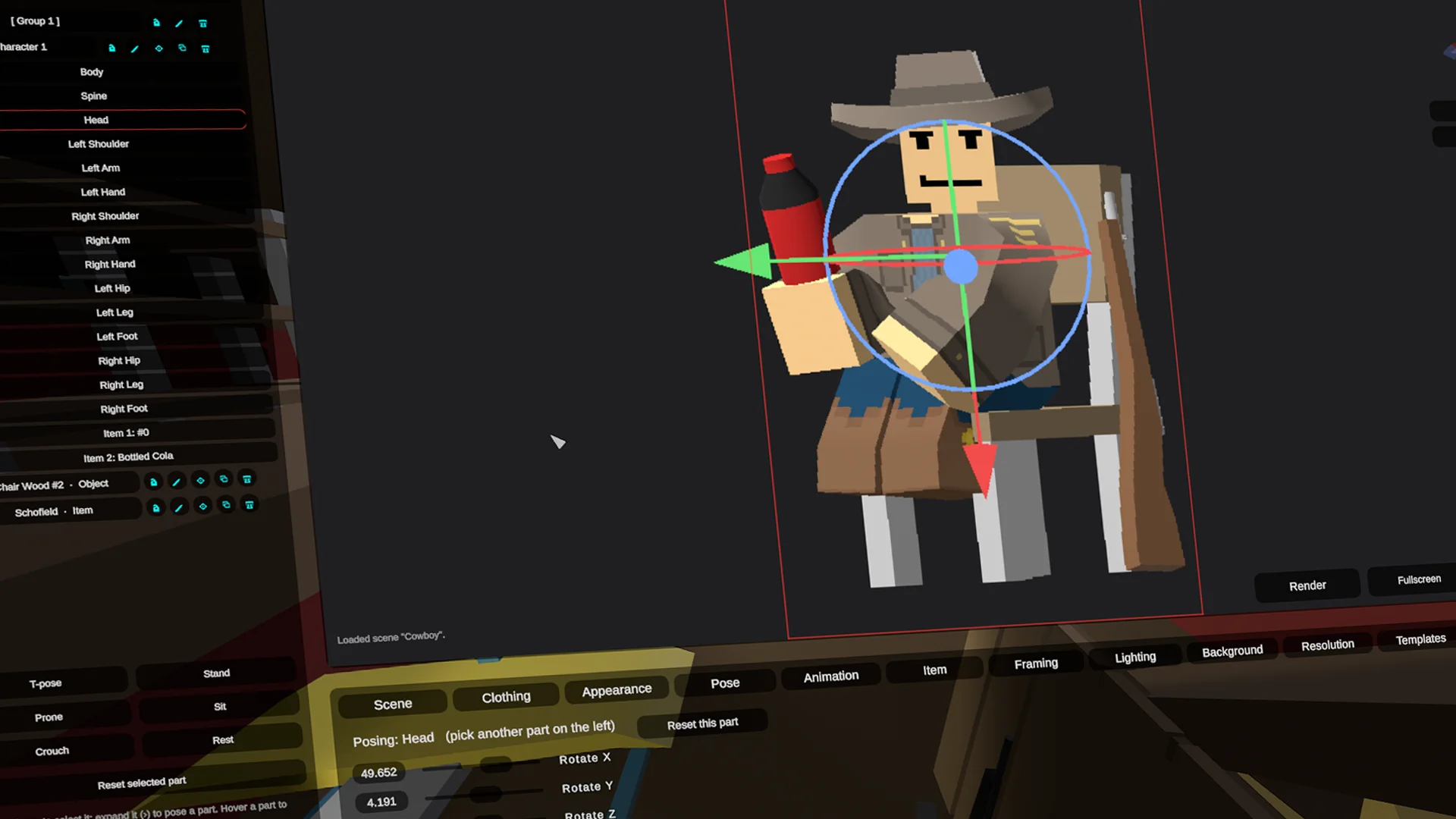
Set up a scene
Pose your subject with the gizmo, then set clothing, lighting, background and framing from the tabs.
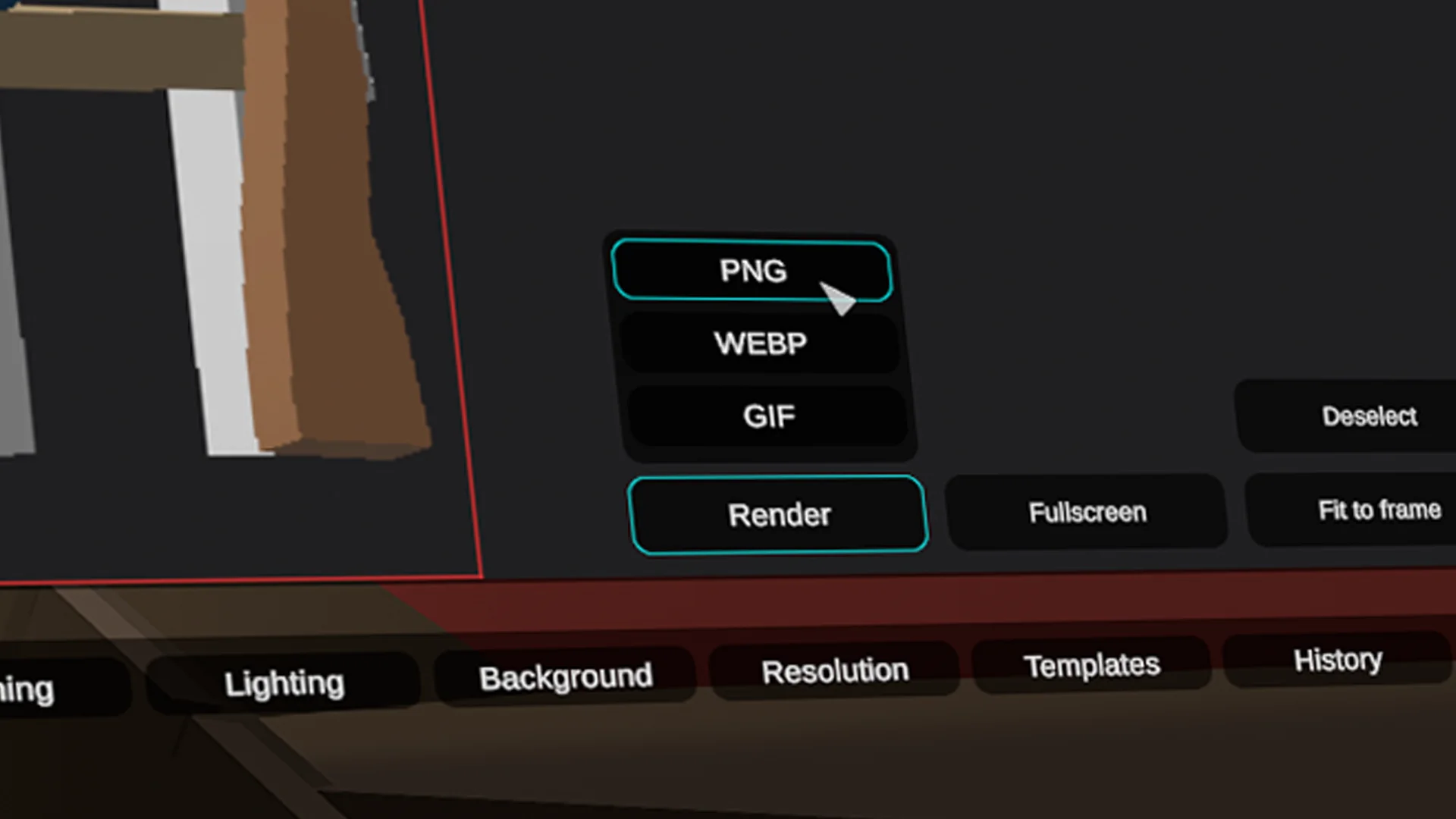
Render the scene
Pick a format, PNG, WEBP or GIF, and hit Render to capture the shot.
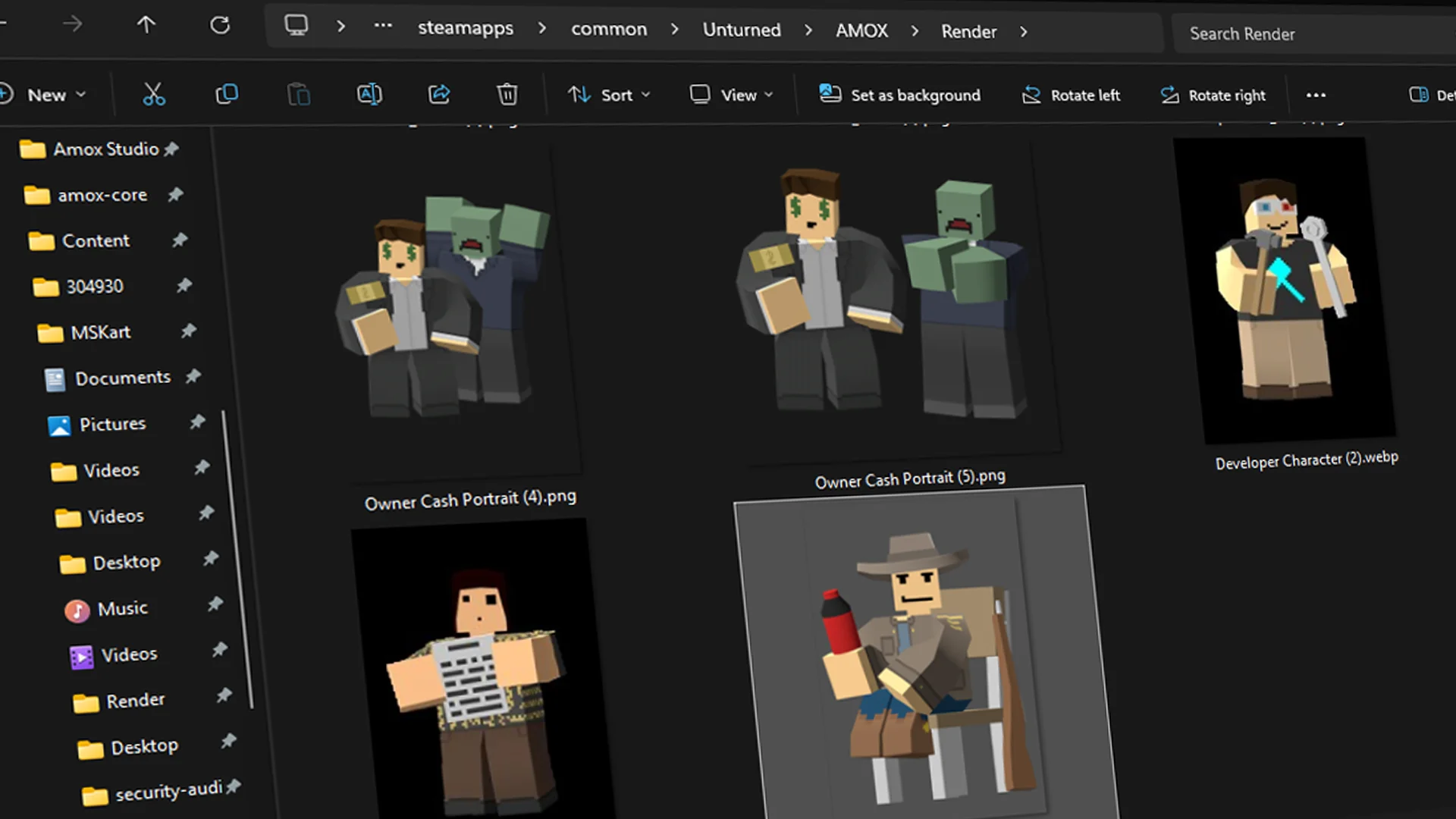
Check your renders folder
Your finished renders land in Unturned/AMOX/Render, ready to share or edit.